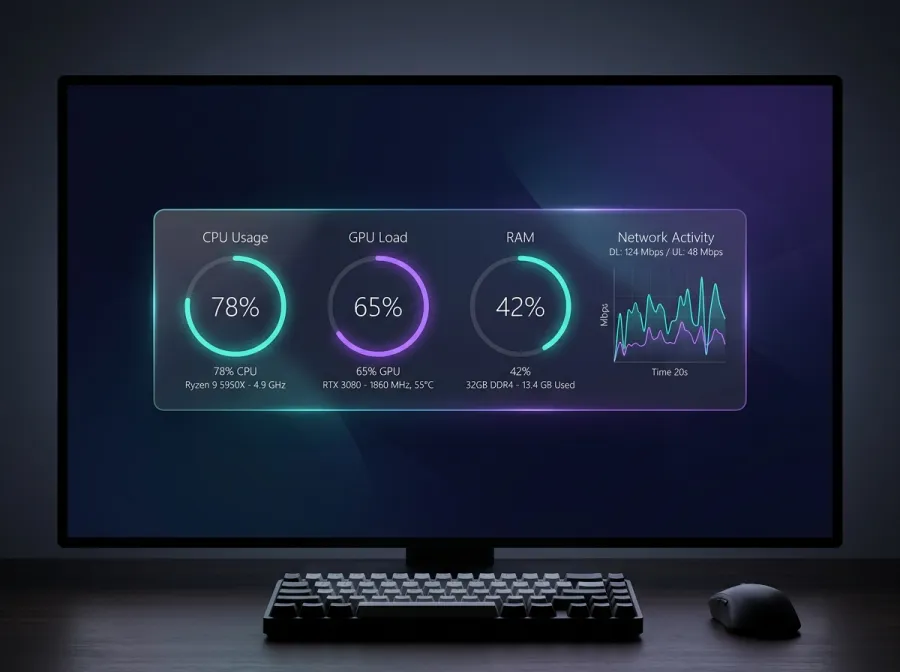
 System Monitor Free
 Nebula Monitor
A glassmorphism Rainmeter system monitor with live CPU, GPU, RAM and network gauges. Reads real hardware sensors and updates in real time.
#Rainmeter#System Monitor#Glassmorphism
AuroraDeck builds premium Rainmeter skins and desktop customization suites for Windows — live system monitors, elegant clocks, weather and audio visualizers. Free & Pro skins, installed in minutes.
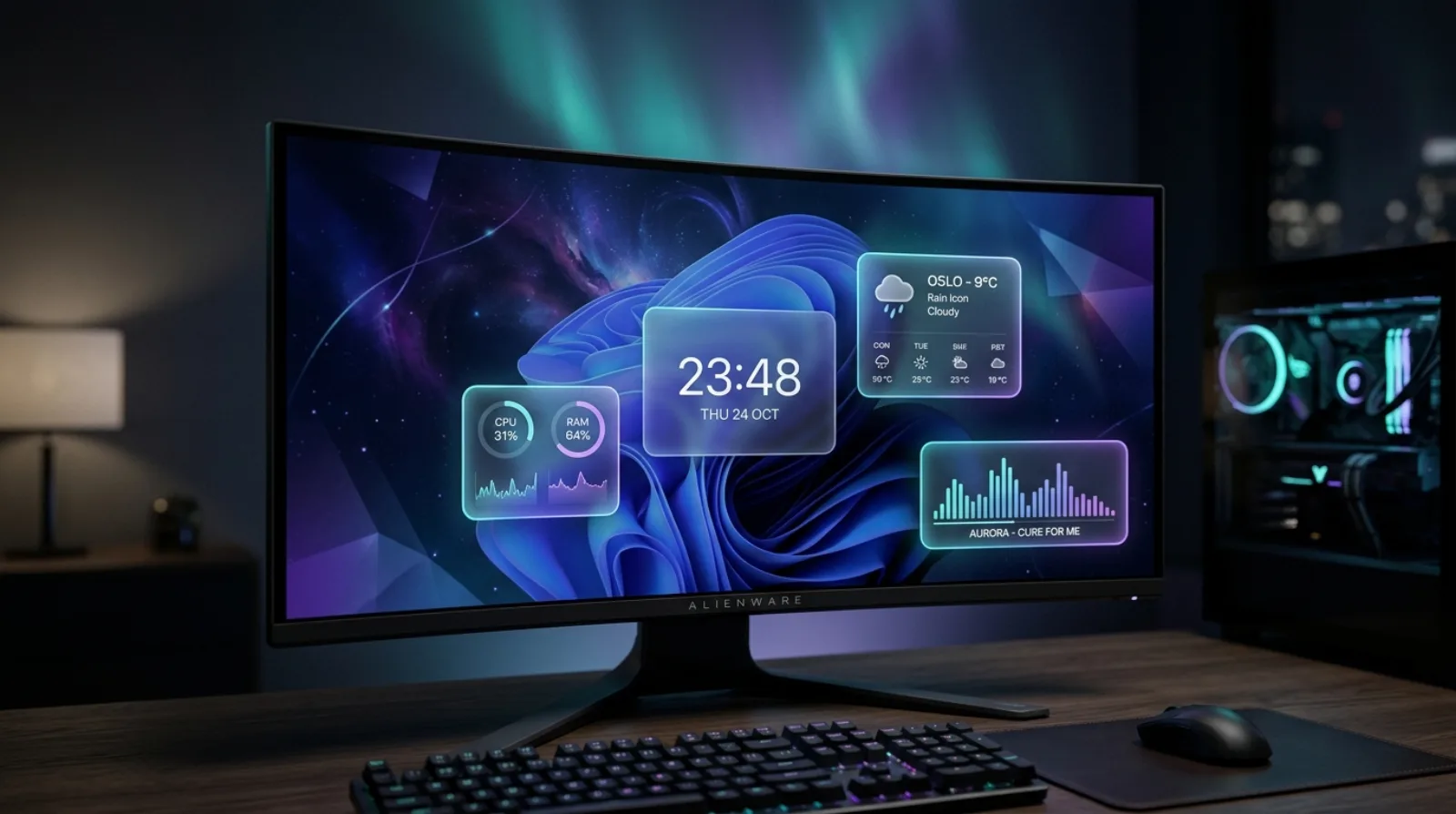
Mix and match Rainmeter skins into a setup that's calm, information-rich and unmistakably yours.
CPU, GPU, RAM, disk and network readouts pulled from live hardware sensors — accurate to the second, feather-light on resources.
Beautiful time and weather Rainmeter skins that auto-detect your location and adapt to light or dark wallpapers.
Frequency-reactive music visualizers with album art and media controls for Spotify, iTunes and foobar2000.
Every skin ships as a signed .rmskin package. Double-click, install, load — you're done in under two minutes.
Swap colors, fonts, layouts and units without editing a single line of code. Make any desktop unmistakably yours.
Hand-built and virus-scanned against the latest stable Rainmeter release. Non-destructive — uninstall anytime.
System Monitor Free A glassmorphism Rainmeter system monitor with live CPU, GPU, RAM and network gauges. Reads real hardware sensors and updates in real time.
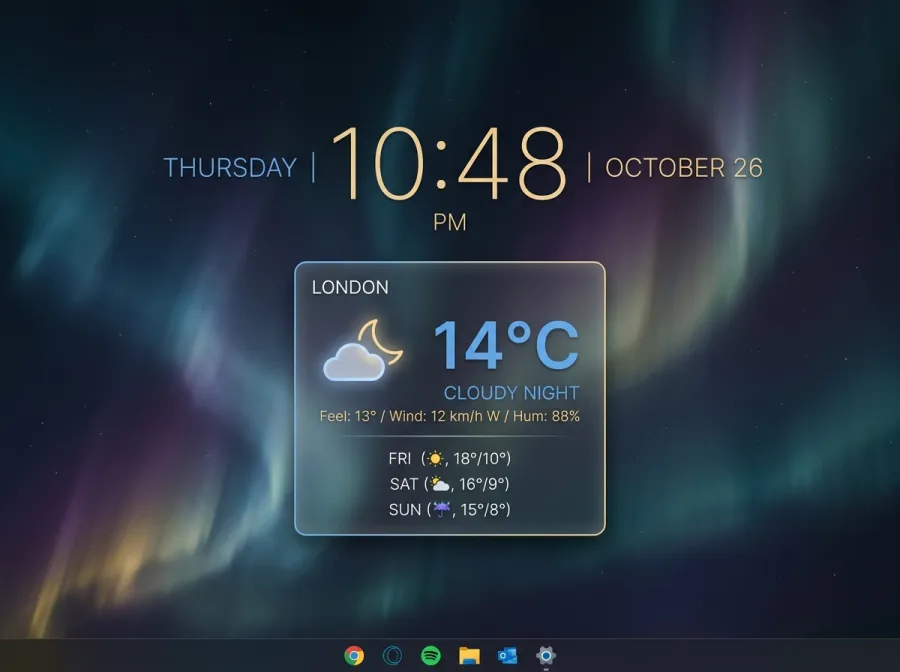 Clock & Weather Free
 An elegant Rainmeter clock, calendar and 3-day weather forecast skin. Auto-detects your location and switches between light and dark accents.
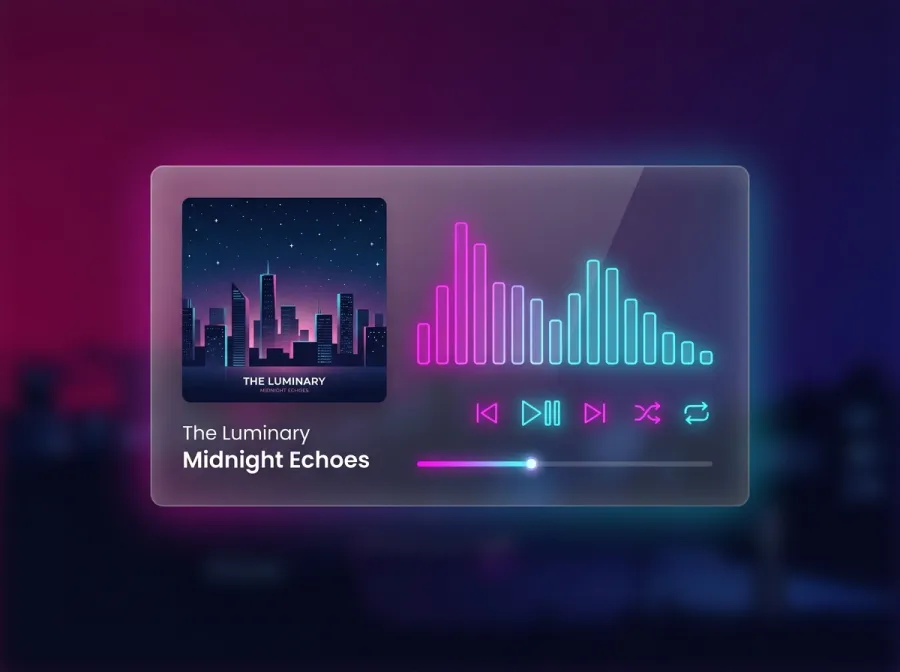 Media & Audio Pro
 A neon Rainmeter music player skin with album art, a real-time audio visualizer and media controls for Spotify, iTunes and foobar2000.
Grab the free, open-source Rainmeter app for Windows and run the installer.
Pick any AuroraDeck skin and download its .rmskin package instantly.
Double-click to install, load the layout, then drag widgets anywhere you like.
Rainmeter is a free, open-source tool that lets you build a living, information-rich desktop on Windows. Here's how it works and why millions love it.
Installing a Rainmeter skin is easier than you think. This step-by-step guide walks you through .rmskin packages, loading, and positioning.
From glassmorphism system monitors to neon audio visualizers, these are the Rainmeter skins defining desktop customization this year.
Everything newcomers ask before their first Rainmeter setup.
Rainmeter is a free, open-source desktop customization tool for Windows. It displays movable skins — clocks, system monitors, weather, audio visualizers and more — directly on your desktop, updating with live data in real time.
Many of our Rainmeter skins are completely free to download and use. A curated Pro collection is available with a one-time purchase or membership, giving you access to premium suites and priority support.
Yes. Rainmeter is open-source and widely trusted. Every AuroraDeck skin is hand-built, virus-scanned and non-destructive — loading or unloading a skin never modifies system files.
No. Well-built Rainmeter skins are extremely lightweight, typically using only a few megabytes of RAM and a negligible amount of CPU, so your desktop looks stunning without any performance hit.
Join 2.4M desktop customizers. Fresh skins, guides and exclusive drops — no spam.